
How to Sublimate MDF Keychains
Sublimated keychains are cheap to make, quick to press and great for add-on sales, party favors and personalized gifts. Most MDF and hardboard keychains press the same way, and you can do a whole batch at once. Here's how.
By the CraftSizer team · Updated 2026-11-17
What you need
- Sublimation MDF or hardboard keychain blanks (coated on the printable side)
- Sublimation printer, ink and paper
- Heat-resistant tape and butcher paper
- A heat press
Settings
| Blank | Temperature | Time | Pressure |
|---|---|---|---|
| MDF / hardboard keychains | 390–400 °F (199–204 °C) | 60–75 sec | Medium |
| Aluminum keychains | 385–400 °F (196–204 °C) | 60–75 sec | Light–medium |
Common starting points; your blank's instructions come first. More blanks in the sublimation time and temperature chart.
Step by step
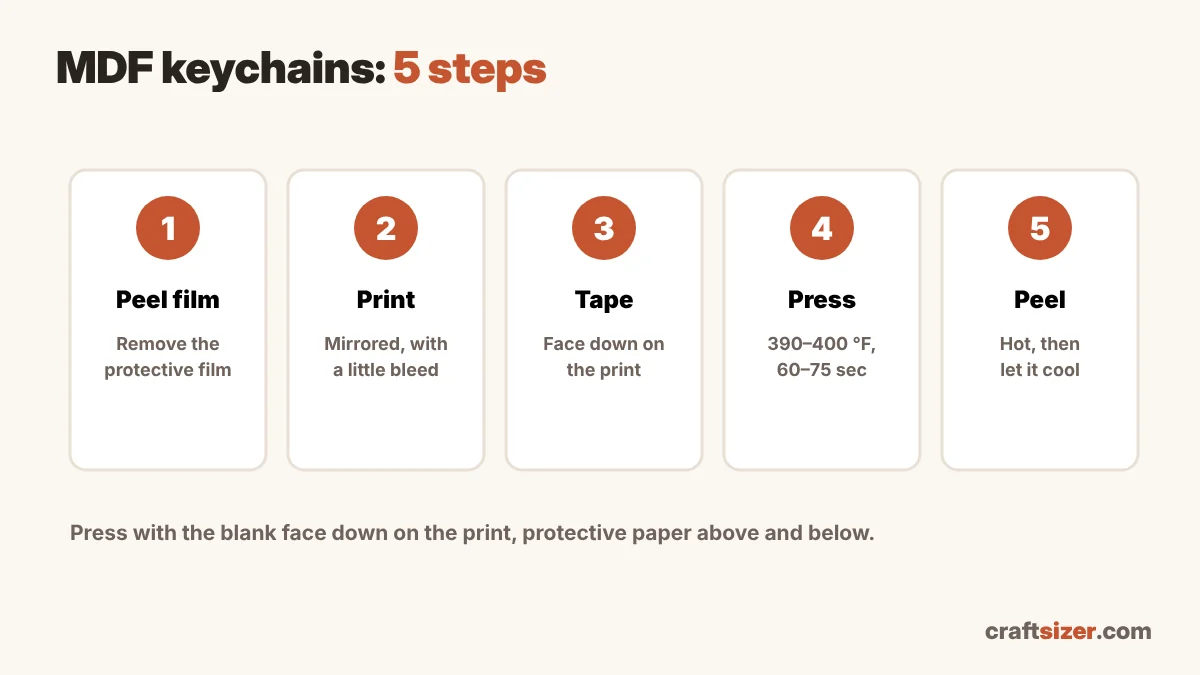
- Peel the protective film off the printable side. It's easy to miss on glossy blanks, and pressing through it ruins the print.
- Size the design with bleed. Make the design a little bigger than the keychain (about 1/8 inch on each side) so the edges are fully covered. Print it mirrored at about 300 DPI (check with the DPI checker).
- Tape the blank face down onto the print, centered, with heat tape.
- Press with butcher paper above and below. Many crafters place the print on the bottom and the blank on top of it, so the paper stays flat against the coating.
- Peel the paper while hot, in one motion, then let the keychain cool on a flat surface.
Pressing a batch
- Print several designs on one sheet and press all the keychains together.
- Keep blanks the same thickness in one batch, so the pressure stays even.
- Leave a little space between blanks and don't let the press edge sit on one.
Common keychain problems
| Problem | Likely cause | Try |
|---|---|---|
| Print looks dull or patchy | Protective film left on, or not enough time | Peel the film; add 10 seconds |
| White edge around the design | Design not bigger than the blank | Add a little bleed around the edges |
| Blurry or doubled image | Blank moved on the paper | Tape firmly; peel straight away |
| Uneven color across a batch | Different thicknesses or uneven pressure | Press same-thickness blanks together |
Pricing keychains
Keychains are quick, but sets and personalization still take time. The craft pricing calculator includes a worked example for a set of 3 sublimated MDF keychains.
Frequently asked questions
What temperature do you sublimate MDF keychains?
A common starting point is 390 to 400 °F for 60 to 75 seconds with medium pressure. Follow your blank's instructions first.
Do you remove the film before sublimating keychains?
Yes. Many MDF and aluminum blanks have a clear protective film on the printable side. Peel it off before pressing.
How do you avoid a white edge on sublimated keychains?
Make the design slightly bigger than the keychain, about 1/8 inch on each side, so the print covers the edges.
Can you press several keychains at once?
Yes. Print several designs on one sheet and press blanks of the same thickness together so the pressure stays even.