
How to Sublimate a Mousepad
A sublimated mousepad is a quick, popular gift, and one of the easiest blanks to get right. The fabric top takes ink beautifully, and you only need a heat press and a minute. Here's the size, the settings and the steps.
By the CraftSizer team · Updated 2026-11-19
Mousepad sizes
| Mousepad | Typical size | Pixels at 300 DPI |
|---|---|---|
| Standard rectangle | about 9.25 × 7.75 in | 2775 × 2325 |
| Round | about 8 in across | 2400 × 2400 |
| Large / desk mat | varies, often 12 in wide or more | width × 300 |
Typical sizes; measure your blank. Add about 1/8 inch of bleed on each side so the edges are fully covered. A standard mousepad fits on letter paper. Check your image with the DPI checker.
Settings
| Blank | Temperature | Time | Pressure |
|---|---|---|---|
| Neoprene mousepad (fabric top) | 380–400 °F (193–204 °C) | 40–60 sec | Light–medium |
Common starting points. Your blank's instructions come first. Full chart: sublimation time and temperature chart.
Step by step
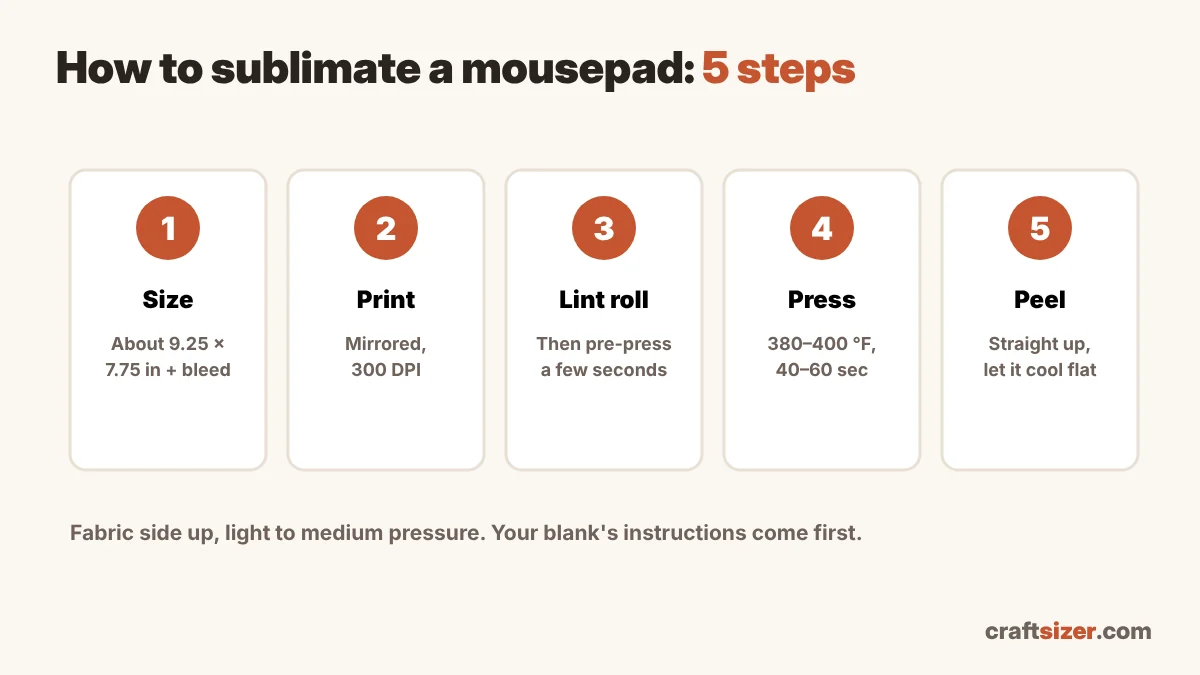
- Print the design mirrored, with bleed, on the bright side of sublimation paper.
- Lint roll the fabric top. Fibers and dust leave white specks.
- Pre-press the mousepad for a few seconds with paper on top to remove moisture.
- Tape the print face down on the fabric side, lined up with the edges.
- Press fabric side up, with butcher paper on top, at light to medium pressure. Mousepads are thick, so adjust the pressure with the blank in the press.
- Peel the paper straight up, and let the mousepad cool flat so it doesn't curl.
Common mousepad problems
| Problem | Likely cause | Try |
|---|---|---|
| Shiny or flattened patch | Too much pressure | Use lighter pressure |
| White edge | No bleed | Make the design slightly bigger than the pad |
| White specks | Lint or dust | Lint roll and pre-press |
| Faded colors | Not enough time or heat | Add 10 seconds |
| Curled edges | Cooled unevenly | Let it cool flat, or under a light weight |
Selling them? Price mousepads with the craft pricing calculator. More fixes in sublimation problems and how to fix them.
Frequently asked questions
What size is a sublimation mousepad?
A standard rectangle mousepad is about 9.25 × 7.75 inches, or 2775 × 2325 pixels at 300 DPI. Measure your blank and add a little bleed.
What temperature do you sublimate a mousepad?
A common starting point is 380 to 400 °F for 40 to 60 seconds with light to medium pressure. Follow your blank's instructions first.
Why is my sublimated mousepad shiny?
Too much pressure flattens the fabric. Lower the pressure and press with butcher paper on top.
Do you press a mousepad face up or face down?
Most crafters press it fabric side up, with the print taped face down on the fabric and butcher paper on top.